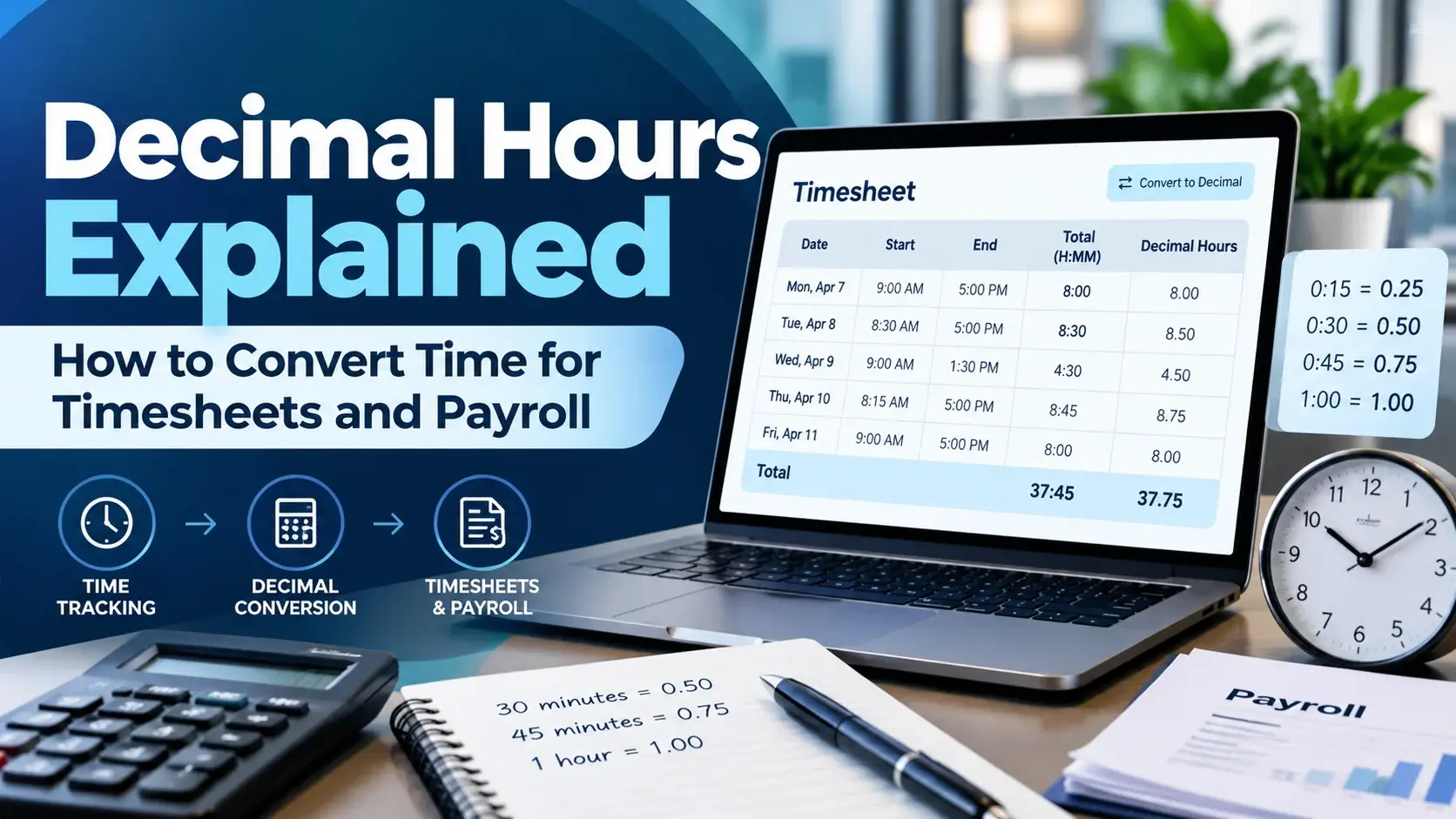
100 minutes = 1 hour 40 minutes
That is 1.67 hours. Start at 7:00 PM and you finish at 8:40 PM.
Minutes are easy to count but hard to picture once you pass 60. Will a 100-minute film finish before dinner? Is a 200-minute layover long enough to leave the airport? The charts below turn common minute values into hours, and show what time you would finish.
Convert minutes to hoursWhat Fits in 100 Minutes?
| Activity | Usual length | Compared with 100 minutes |
|---|---|---|
| A feature film | 90–120 min | About the same |
| Two TV episodes of 45–50 min | 90–100 min | About the same |
| A football (soccer) match with half-time | 105 min + stoppage time | A little longer |
| A gym session plus shower | 90–110 min | About the same |
A football match is two halves of 45 minutes with a half-time break of up to 15 minutes, as set out in Law 7 of the IFAB Laws of the Game. That makes 105 minutes before any stoppage time is added.
Minutes to Hours Chart: 60 to 120 Minutes
The last column shows when you would finish if you started at 7:00 PM.
| Minutes | Hours and minutes | Decimal hours | Start 7:00 PM, finish at |
|---|---|---|---|
| 60 | 1 h | 1.00 | 8:00 PM |
| 70 | 1 h 10 min | 1.17 | 8:10 PM |
| 75 | 1 h 15 min | 1.25 | 8:15 PM |
| 80 | 1 h 20 min | 1.33 | 8:20 PM |
| 85 | 1 h 25 min | 1.42 | 8:25 PM |
| 90 | 1 h 30 min | 1.50 | 8:30 PM |
| 99 | 1 h 39 min | 1.65 | 8:39 PM |
| 100 | 1 h 40 min | 1.67 | 8:40 PM |
| 110 | 1 h 50 min | 1.83 | 8:50 PM |
| 115 | 1 h 55 min | 1.92 | 8:55 PM |
| 120 | 2 h | 2.00 | 9:00 PM |
Longer Times: 150 to 10,000 Minutes
| Minutes | Hours and minutes | Decimal hours | Think of it as |
|---|---|---|---|
| 150 | 2 h 30 min | 2.50 | A long movie with trailers |
| 180 | 3 h | 3.00 | A long exam |
| 200 | 3 h 20 min | 3.33 | A long airport layover |
| 240 | 4 h | 4.00 | Half a workday |
| 300 | 5 h | 5.00 | A medium-haul flight |
| 400 | 6 h 40 min | 6.67 | Most of a school day |
| 500 | 8 h 20 min | 8.33 | A workday plus the commute |
| 600 | 10 h | 10.00 | A long-haul flight |
| 1,000 | 16 h 40 min | 16.67 | More than half a day |
| 1,440 | 24 h | 24.00 | Exactly 1 day |
| 10,000 | 6 days 22 h 40 min | 166.67 | Almost a full week |
Work It Out Yourself in 2 Steps
- Divide by 60. The whole number is your hours: 100 ÷ 60 = 1.
- Find the leftover minutes. Take away the full hours: 100 − 60 = 40.
For timesheets you need decimal hours instead. Divide once and keep the decimal: 100 ÷ 60 = 1.67 hours.
Planning Tips
- Cinemas: the listed runtime usually leaves out trailers and adverts, so a 100-minute film can take 2 hours in the seat.
- Layovers: compare the gap with the airport's minimum connection time, not just the clock. Walking, security and boarding all use part of it.
- Exams: for a 180-minute paper, keep the last 15 to 20 minutes for checking your answers.
Frequently Asked Questions
Is 100 minutes longer than 1.5 hours?
Yes. 1.5 hours is 90 minutes, so 100 minutes is 10 minutes longer.
What time will it be in 100 minutes?
Add 1 hour, then add 40 minutes. For example, 3:35 PM plus 1 hour is 4:35 PM, and plus 40 minutes is 5:15 PM.
How many seconds are in 100 minutes?
100 minutes is 6,000 seconds, because each minute has 60 seconds.
How long is 100 hours?
100 hours is 4 days and 4 hours. 4 days are 96 hours, and 4 hours are left over.